Unpackerr
Info
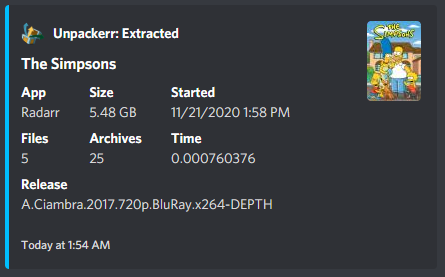
This integration provides Unpackerr notifications and reactions.
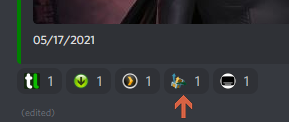
You may choose to have either a reaction placed on existing Starr notifications, or receive a stand alone message for Unpackerr notifications, or both. Selecting the Reactions box enables or disables the Reaction emoji.
As a premium feature you may elect to have Unpackerr notifications automatically add Custom Formats to your Starr apps. These custom formats downgrade the priority on the release group that gave you a packed download. That means in time your Starr apps will choose to download fewer and fewer packed items.
Triggers
Processing- Notifies when Unpackerr begins extracting a file- Notification color, pings, and layout
Imported- Notifies when extraction completes and the Starr app imports the file- Notification color, pings, and layout
Failed- Notifies when an extraction fails- Notification color, pings, and layout
Settings
1:1 notifications (no updating)- When enabled, each notification is a new message instead of updating the existing oneReactions- Add a reaction emoji to matched Starr notificationsAdd Radarr packed releases to a CF(Patron) - Automatically creates a Custom Format in Radarr for packed release groupsRadarr CF name- Name for the custom format (default: Unpackerr Auto)Radarr CF score- Score to assign to the custom format
Add Sonarr packed releases to a CF(Patron) - Automatically creates a Custom Format in Sonarr for packed release groupsSonarr CF name- Name for the custom format (default: Unpackerr Auto)Sonarr CF score- Score to assign to the custom format
Reaction example
Notification Example