Persistent
Info
This integration keeps a persistent message at the bottom of a channel. When a new post arrives, the bot deletes its previous persistent message and re-posts it so it stays at the bottom.
Required Permission
The bot needs the Manage Messages permission in any channels used for persistent messages.
Trigger options
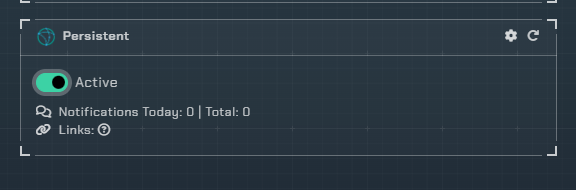
- Triggers
Active- Enable persistent messages
Configuration

Click the cog icon to open the configuration options for Persistent messages.
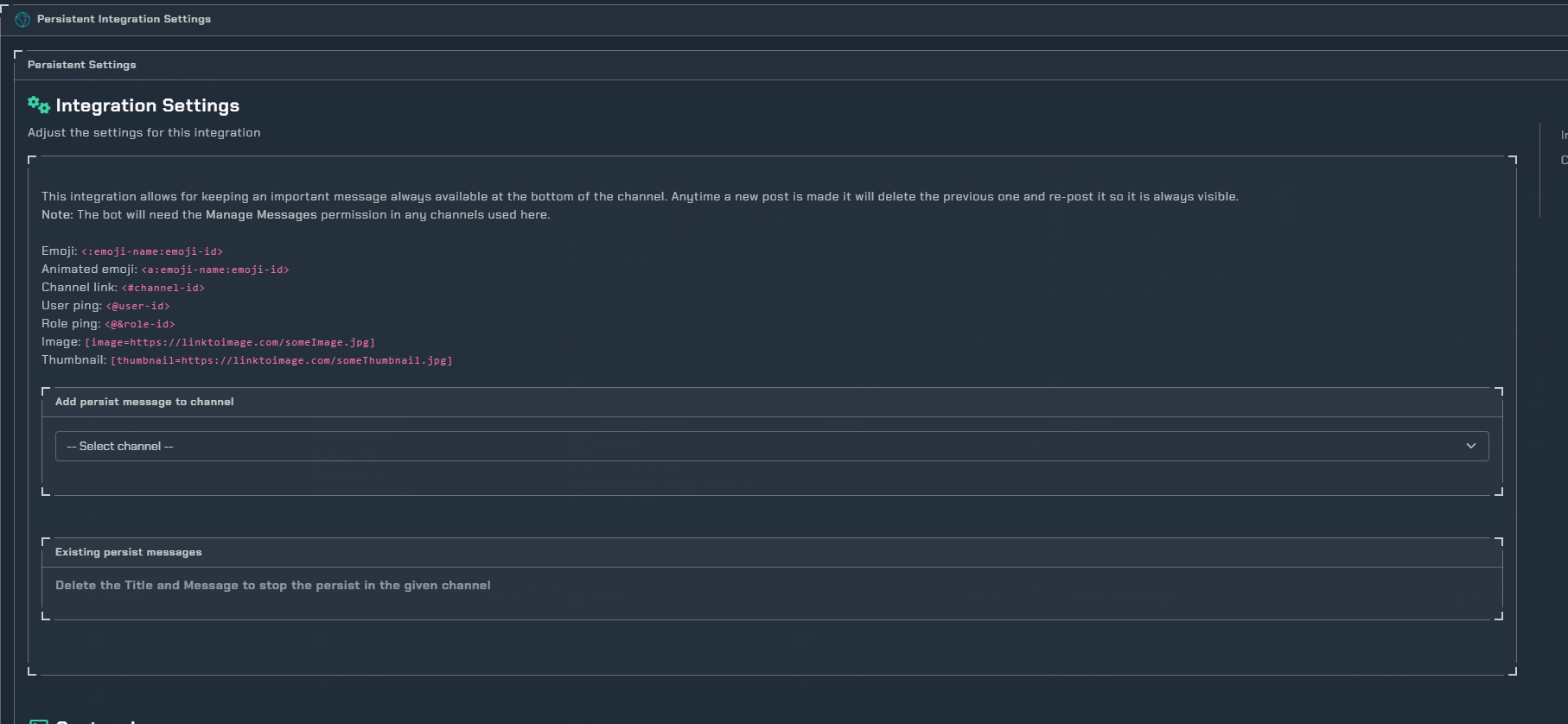
Adding a Persistent Message
- Select a channel from the dropdown
- Enter a Title for the persistent message
- Enter the Message content
- Choose a Color for the embed using the color picker
To stop a persistent message, delete the Title and Message for the given channel.
Message Formatting
The message field supports the following Discord markdown and special formatting:
- Emoji:
<:emoji-name:emoji-id> - Animated emoji:
<a:emoji-name:emoji-id> - Channel link:
<#channel-id> - User ping:
<@user-id> - Role ping:
<@&role-id> - Image:
[image=https://linktoimage.com/someImage.jpg] - Thumbnail:
[thumbnail=https://linktoimage.com/someThumbnail.jpg]