Lidarr
Lidarr
This integration allows for notifications from Lidarr using its built in Connection for Notifiarr. In Lidarr click Settings → Connect → Notifiarr
Current Versions



Trigger options
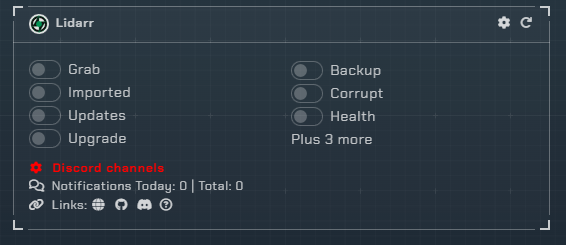
Triggers
Grab- Receive a notification when media is initially grabbed (RSS or manual)Imported- Receive a notification when media new is successfully importedUpdates- Receive a notification when the application updatesUpgrade- Receive a notification when upgraded media is successfully importedHealth Check- Receive a notification when the application reports an issueDatabase Backup- Receive a notification when a backup occursDatabase Corrupt- Monitor backups for corruption and size lossAlbum Delete- Be notified when an album is deletedArtist Add- Receive a notification when an artist is addedArtist Delete- Be notified when an artist is deleted
Channel
- Lidarr shares the *arr channel unless Granular Setup is used, clicking the link on the site will move to the channel setup location.
Instructions
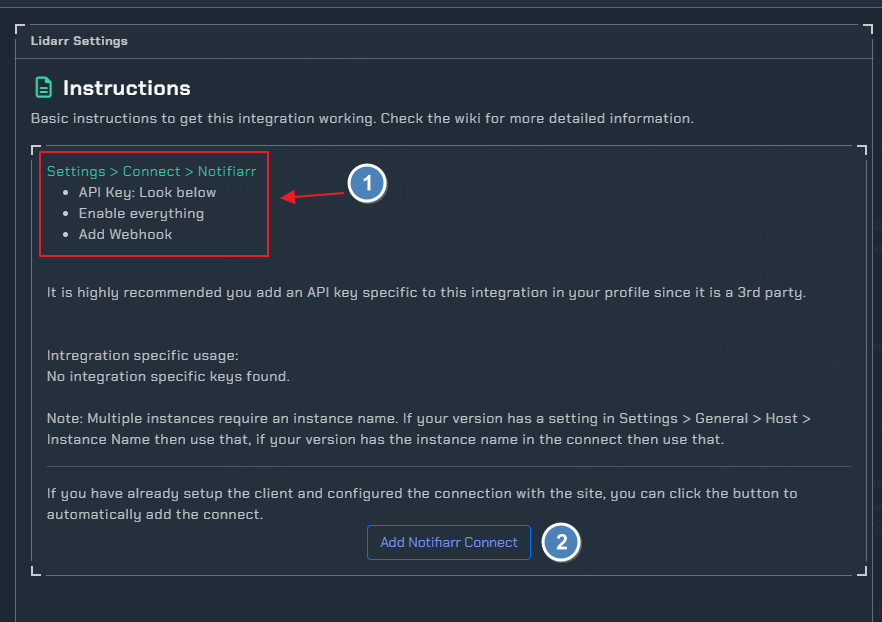
Configuration

Click the cog icon to open the configuration options for Lidarr.
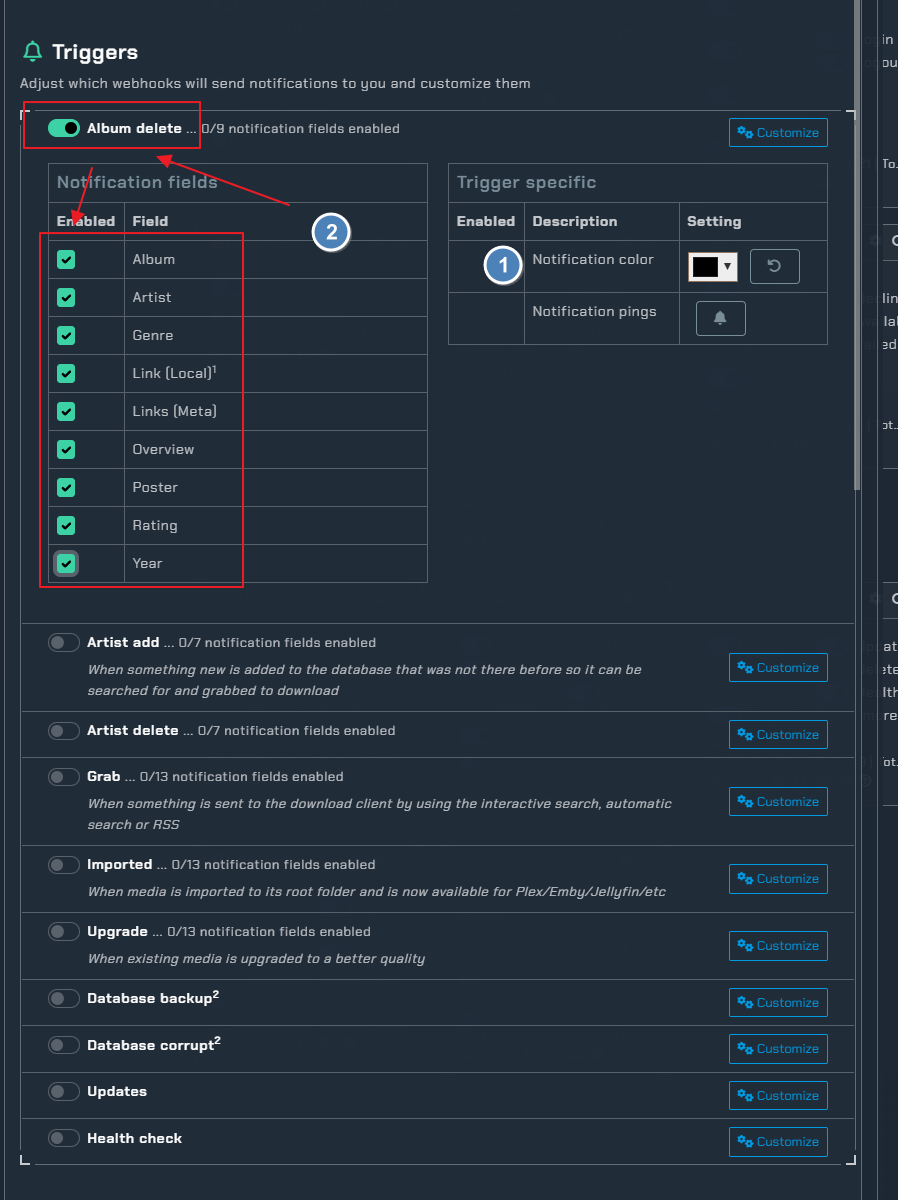
- set the notification color
- enable trigger in this example we used
album deleteand selected all available fields
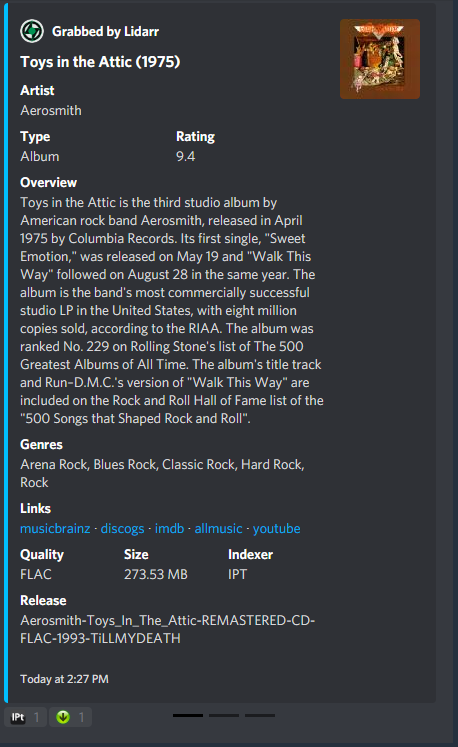
Example
here is a example if we enable all notification fields under the grab trigger
Errors
400 Bad Request
Check and ensure you have a Grab or Download channel configured for Lidarr
401 Unauthorized
Your APIKey is incorrect