DockWatch
Info
This integration sets up Discord notifications for DockWatch. More information is available at the DockWatch wiki.
Trigger Options
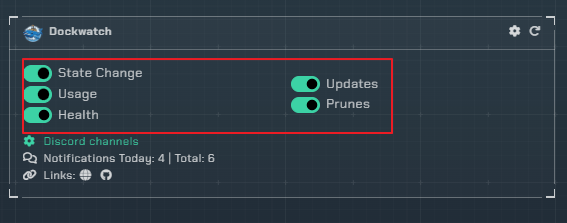
-
State Change- Trigger a notification for container up/down state changes. -
Usage- Trigger notifications for usages such as CPU, and memory You must set usage thresholds in Dockwatch -
Health- Trigger a notification if a container becomes unhealthy. -
Updates- Trigger a notification when a container has an available update.- Notification field:
Digest hash- Include the image digest hash in the notification.
- Notification field:
-
Prunes- Trigger a notification when a container image, or volume has been pruned. -
Security- Trigger a notification when DockWatch detects a security issue with a container. -
Intrusion- Trigger a notification when DockWatch itself detects a security event on its own UI/API, such as an invalid login, login lockout, direct access attempt, invalid API key, unauthorized request, invalid CSRF token, or a WebSocket connection with missing params or an invalid token.- Notification field:
IP map- When enabled, includes a generated map image showing the country/state/city/ISP for the offending IP (skipped for private/local IPs). - Depending on the event type, the notification may also include the request method, username, container, endpoint, API key, token, referrer, and user agent.
- Notification field:
Instructions

Note
It is recommended to set up an API key specifically for DockWatch.
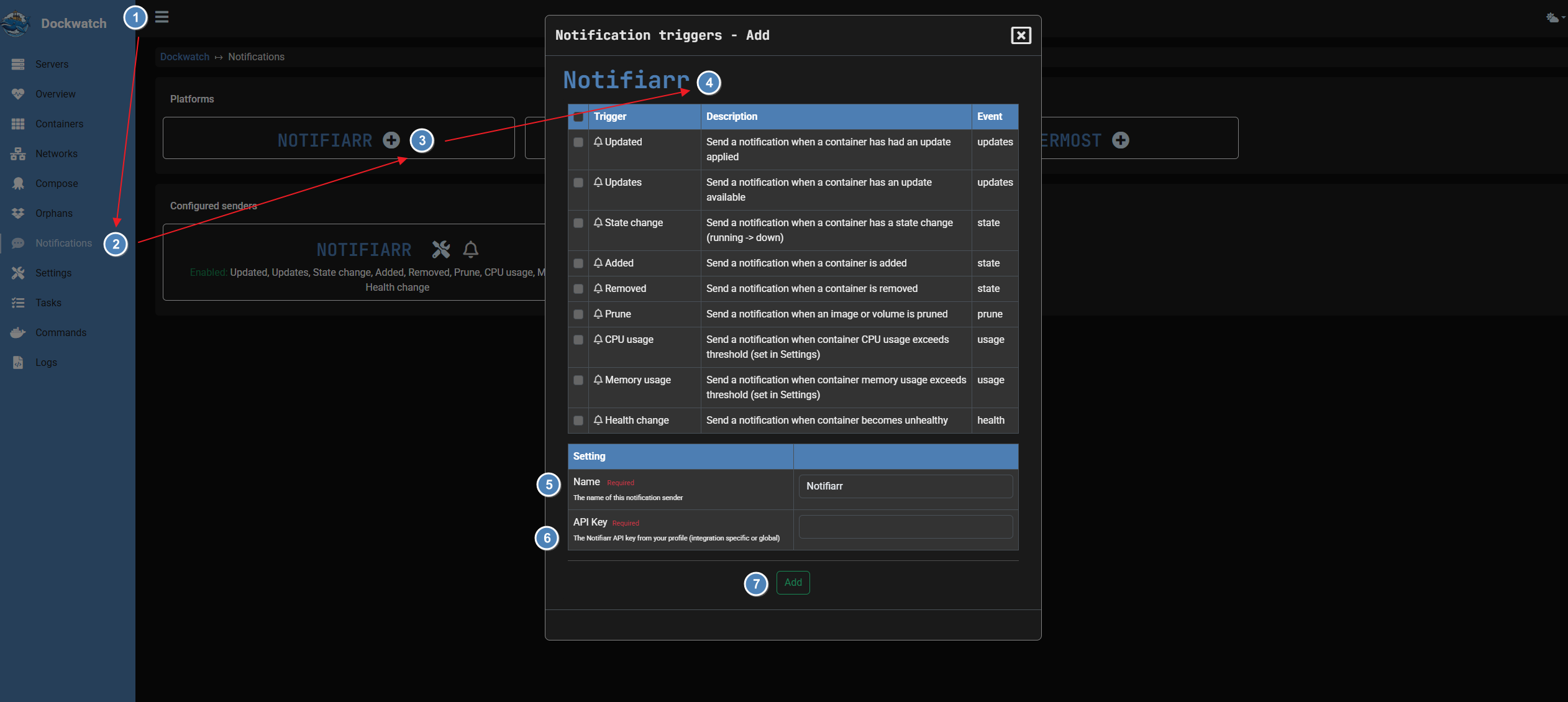
Here is the setup on dockwatch's end.
-
Click the Three lines to extend the menu.
-
Go into the notification settings.
-
Choose Notifiarr under platforms.
-
Enable any triggers you may need.
-
set a name for the sender.
-
Paste your API key.
-
Save your settings.
Configuration
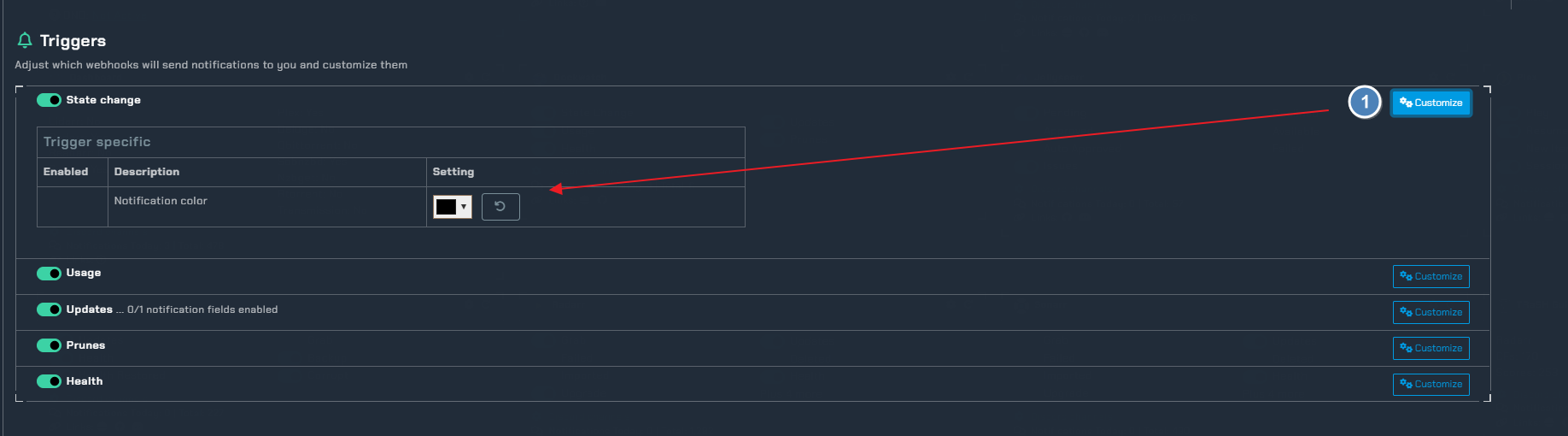
Customize- Under the customize tab you can change the color of your notification for each available trigger.Full image names- Show the full image name instead of truncating with ellipsis.IP map- Under the Intrusion trigger, include a map image with the offending IP's geolocation in the notification.
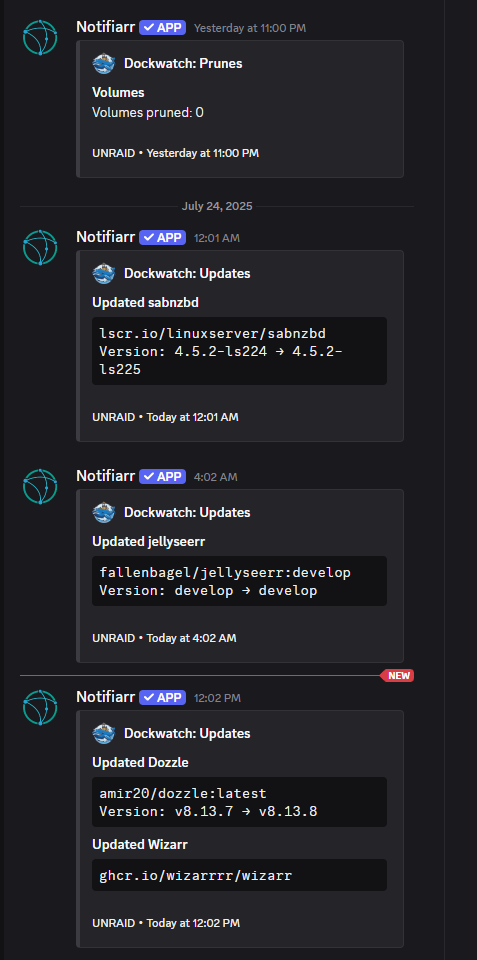
Notification Examples